

🔎 Focus: Security
🔴 Impact: High
🔴 Difficulty: High

Sponsored by Ahrefs
Your competitors are winning AI Overviews. Are you?
Track every brand mention, citation trend, and LLM answer
across Google AI Overviews and ChatGPT.
Spot where your rivals get cited, close your site's prompt gap.
Claim the top AI response spot in your niche.
Dear Tech SEO 👋
PHP was all over the news due to its recently-found security issues but do not panic. Even though the news sound quite apocalyptic, the issue is with PHP is easily fixable yet… take it seriously.
Edgy Technical SEO
Is cyber security part of SEO? Mmmm let’s see…
If your site is down, returns a 404 or is literally labeled as insecure it will turn your rankings down quite rapidly.
Here is an example I had to face 1st hand:

Site was attacked
Within days, thousands of pages published and crawled
Rankings tanked almost as fast, revenue down 40%
I am glad it did not go further and we could tackle most critical issues.
But to my initial question.
» Is cyber security part of SEO? I’d say yes.

Let me explain in simple words the connection between SEO, AI Search & cyber security using the PHP security issues that blasted the news this week.
Ready? Let’s goooooooo
What is going on?
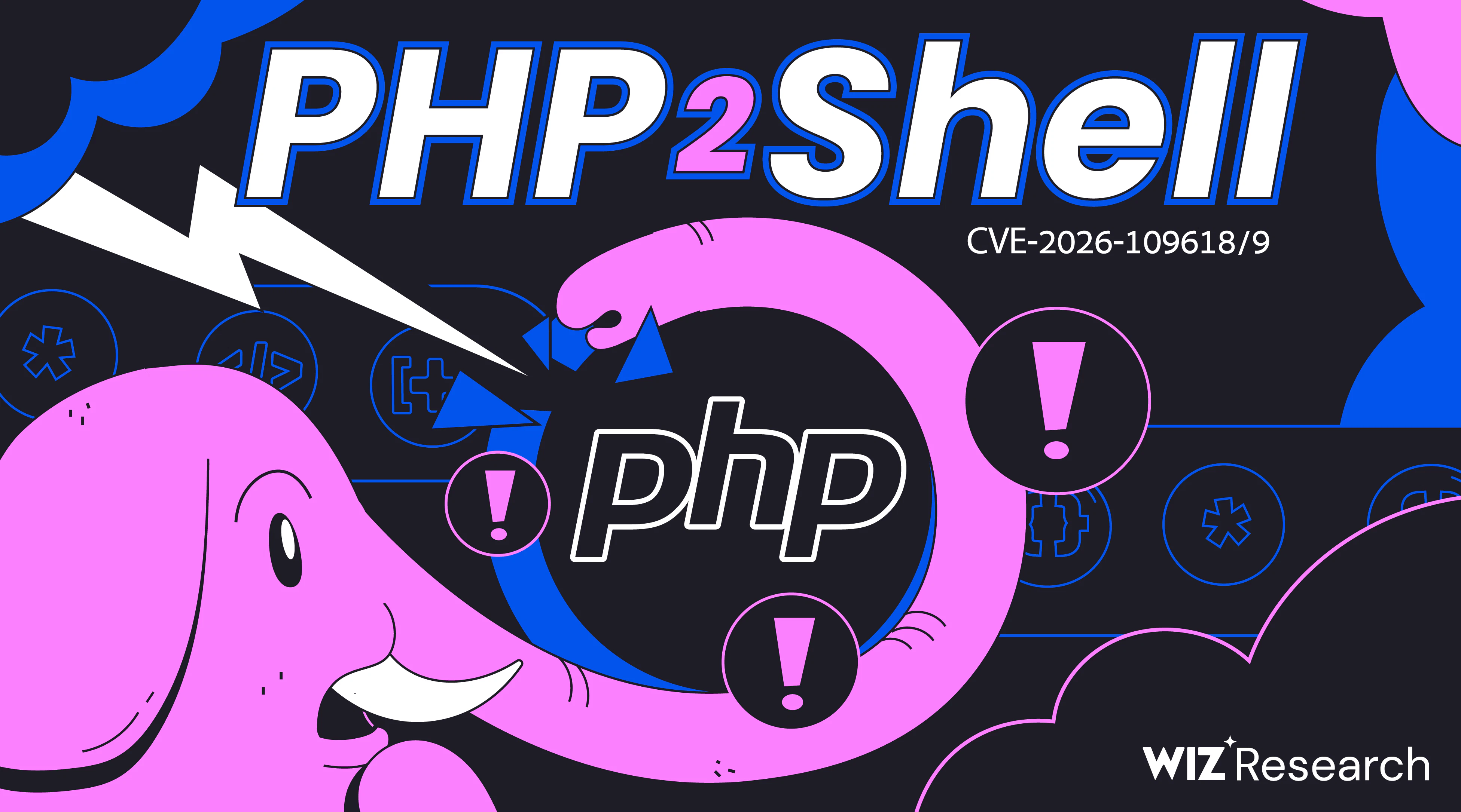
They called the security issue "PHP2Shell"
The problem: It allows attackers to remotely execute anything on your website from injecting scripts to stealing data... Pretty messed up flaw. No major attackers have been registered. Some websites are down to prevent attacks.
Researchers at Wiz, Open Al, Calif. The security issue has existed for over a decade and it has been discovered just now thanks you AI which cracked the hell outta PHP.
If bad actors had found this PHP issue first, they could have quietly hijacked millions of websites, stolen sensitive payment data, and held servers for ransom across the web...
👌 Tiny Tip: Log into your hosting cPanel or cloud dashboard right now and check your active PHP version. If you are running an old version (like PHP 7.4 or 8.0) you are likely at risk. Contact your hosting provider they might help you out. Otherwise your trusted developer.
Patch, Patch, Patch!
What the heck is PATCH!?
Imagine your house back door can be opened with a paperclip. A "patch" would be like if the door company would come to install a more secure lock.
PHP team has released "patches" to the latest PHP versions. Older PHPs won't be protected, which means you need to update your PHP version to be the latests.
👌 Tiny Tip: Update your PHP, even if your plugins might get outdated. Emergency patches are minor point releases within the same version branch (e.g., from PHP 8.3.35 to 8.3.36), which means plugins or themes won't break.
Destructive plugin crashes only happen during major version jumps (like moving from PHP 7.4 to 8.x). If this is your case, uninstalling and reinstalling plugins will do most of the fixes.

🙋♂ Warning: this technique is not a common practice and requires a careful implementation and monitoring. Implement with care and with a Tech SEO specialist like my buddy Patryk Wawok.

Will my cheap hosting fix it automatically?
No, they won't but they can help you. Update it yourself or ask them to do it for you. Log into your hosting dashboard and ask support: "Has my server received the emergency PHP security patch, and is my site safely running on a supported PHP 8 version?". Hopefully they will guide you to safety.
👌 Tiny Tip: Copy and paste this exact prompt into your host's support chat: "Has my server received the emergency patch for CVE-2026-109618, and is my site safely running on a patched point release (8.2.35, 8.3.36, 8.4.27, or 8.5.12)?" Either way
Does my CMS protect me?
If you are on a cloud CMS (Shopify, Webflow or similar) you are in no risk. Or at least, the risk will be minimal as those organizations have already cyber security teams that ensure if anything is running on PHP, it’'ll get patched rapidly.
But, WordPress, Drupal, Joomla, and Magento all run on PHP. The CMS itself is built with PHP language, so keeping WordPress or your plugins updated will not fix a flaw that lives in the underlying server engine.
👌 Tiny Tip: you or whoever manages you site, upgrade to the latest version of PHP
Protect your SEO, take your site down
If you or your host take your site offline while waiting for fixes (which is the best worse option), make sure it returns an HTTP 503 maintenance code as John Mueller noted. The 503 won't take your rankings down. If you allow 404s or other responses those will damage your rankings.

If you use a standard "Coming Soon" or "Maintenance" WordPress plugin, many mistakenly return an HTTP 200 OK. When Google crawls a 200 OK during maintenance, it can overwrite your ranked titles and meta descriptions with "Site Under Construction" 😨
😆
👌 Tiny Tip: Serve the 503 code outside of PHP. Because this update restarts, rebuilds, or replaces the underlying PHP engine, relying on an internal CMS maintenance script can trigger unhandled fatal 500 server timeouts. Instead, trigger your 503 maintenance page upstream at the edge, via a Claudflare (😆 I meant Cloudflare) Worker, an AWS Application Load Balancer rule, or directly inside your Nginx/Apache configuration. Keep the total maintenance window under 24 hours.
How long should it take?
If it takes you longer to upgrade your PHP, the problem is slightly structural, beyond PHP. All my current clients have been able to upgrade within a few hours and most services are back to normal.
Is your site Tech SEO secure for growth?
I am selecting one website per newsletter edition for a:
Free Tech SEO analysis + 1-on-1 session.
If you want to participate respond to this email with "TEC SEC". I’ll contact the chosen sites personally.
Bonus: Full 30-min over-the-shoulder video

That’s it for today, practical and simple.
Until next time 👋

—